If you’ve ever stared at a microcontroller and wondered why you were still wrestling with header files instead of just writing Python, MicroPython is the escape hatch. It squeezes Python down to MCU size and still leaves room to blink LEDs with flair.
What is MicroPython?
MicroPython is the language you already know, trimmed and caffeinated to run directly on microcontrollers. You can drop .py files onto the board, poke at it interactively, and still drive GPIO, ADC, or PWM with readable, concise code.
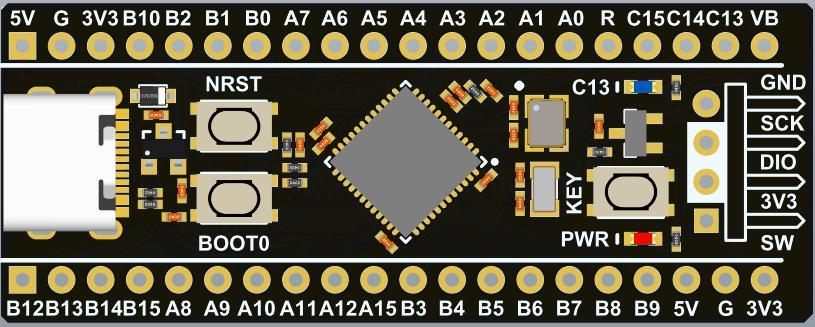
Test Rig: My STM32F411CE Board
- MCU: STM32F411CE
- Frequency: 96 MHz
- ROM: 512 KB
- RAM: 128 KB
- Interface: USB (Mass storage + UART)
Not exactly a workstation, but more than enough horsepower to make LEDs dance and sensors behave.
Building the Firmware
Windows (a.k.a. “Why do I keep doing this?”)
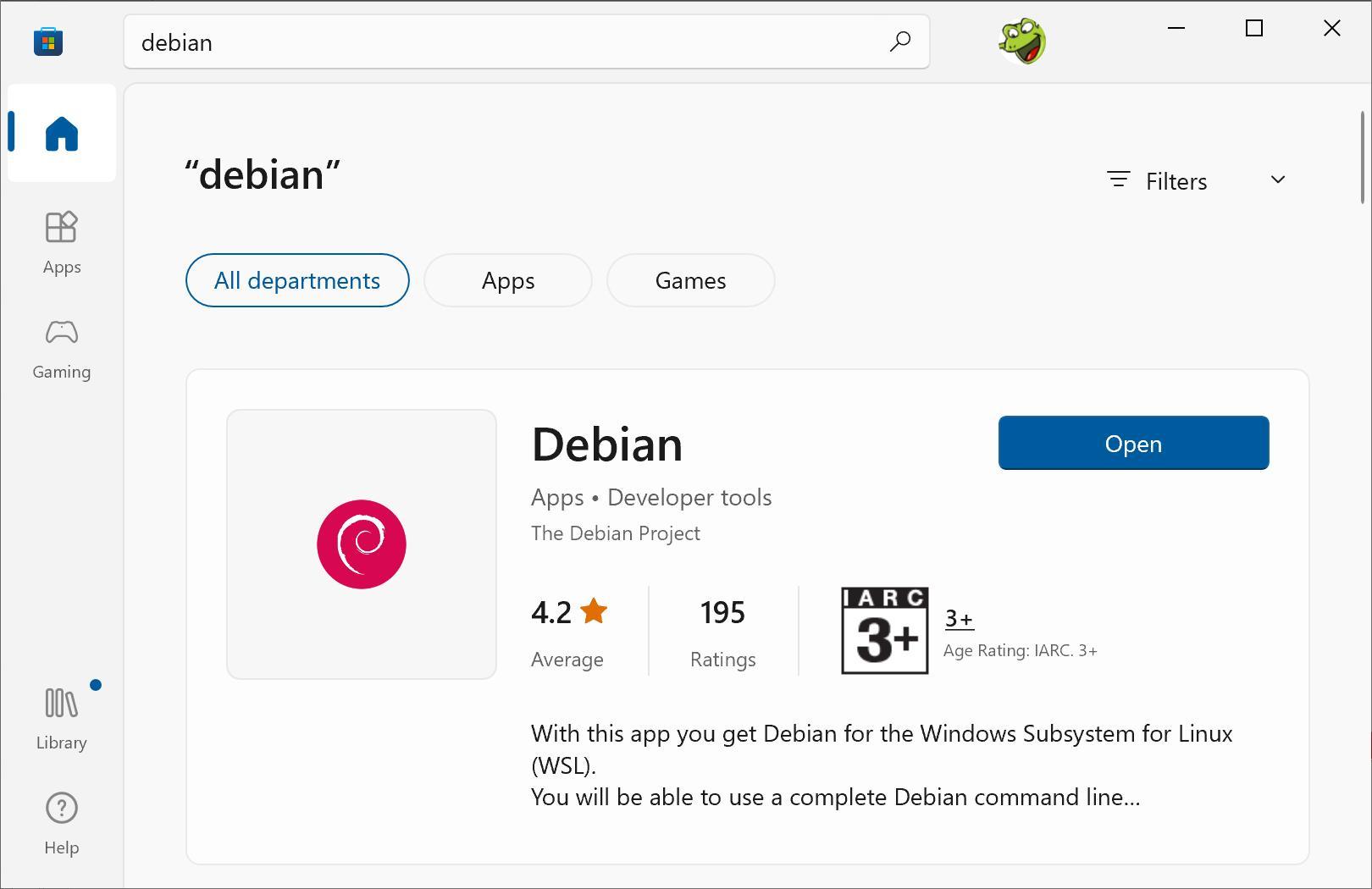
Windows setup is… let’s call it “spicy.” I spin up Windows Sandbox with Ubuntu or Debian tucked inside, then install the cross compiler:
sudo apt-get install gcc-arm-none-eabi
Clone and prep source:
git clone https://github.com/micropython/micropython ~/micropython
7z x sc_micropython.7z ~/
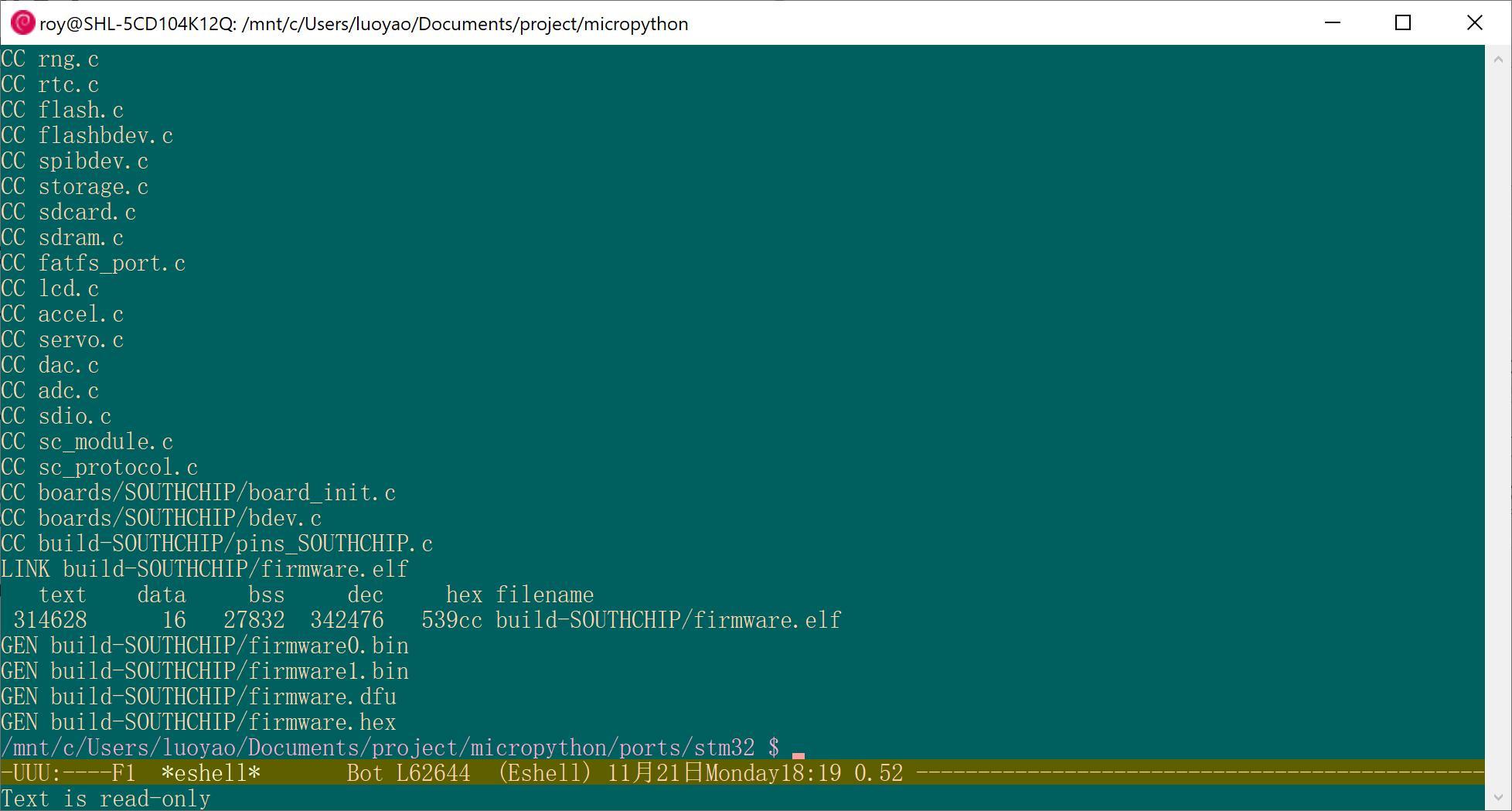
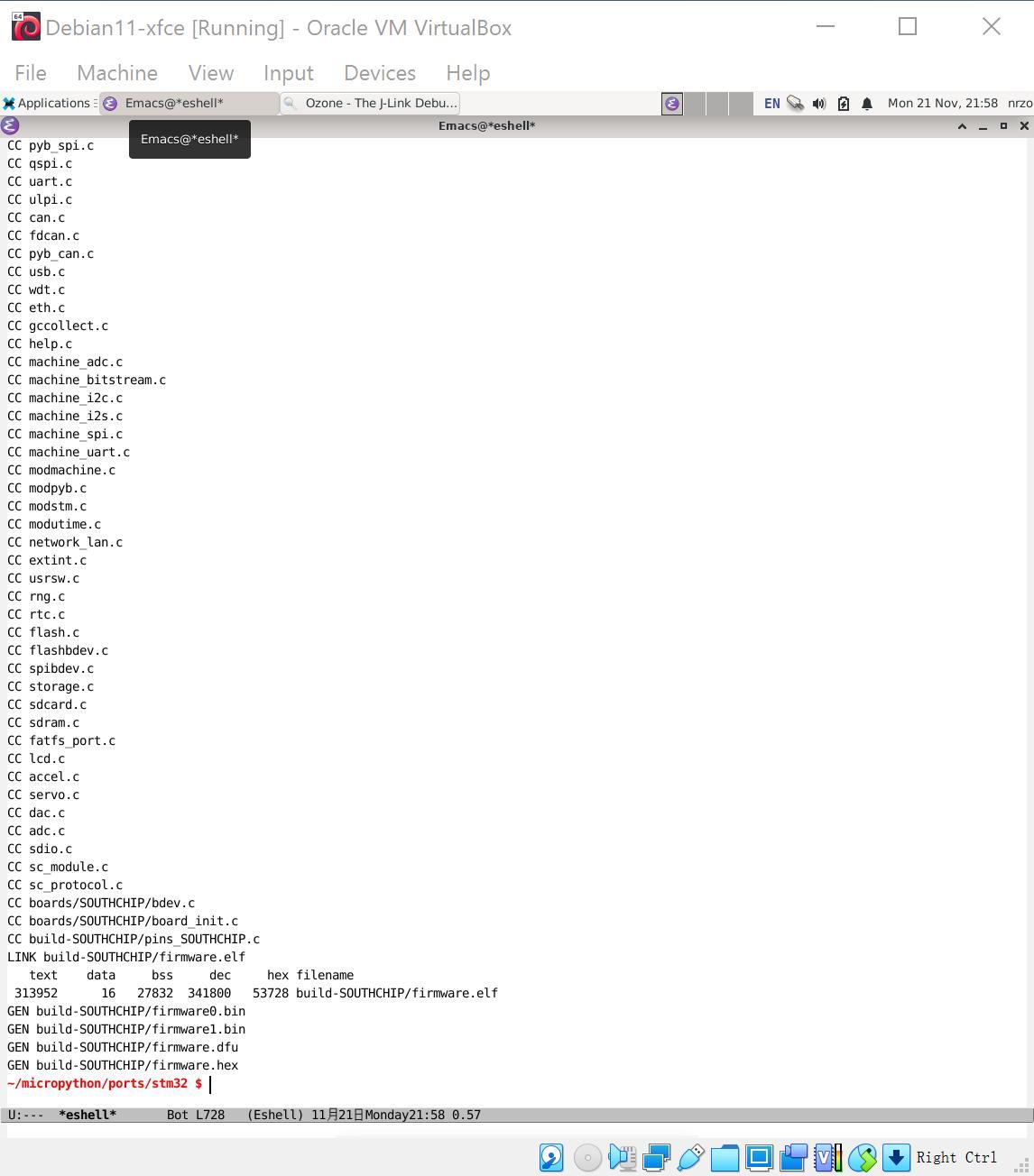
Then copy files, run make -C mpy-cross, initialize submodules, and finally:
make BOARD=SOUTHCHIP
Warning: Sandbox builds sneak in /mnt/c prefixes that confuse JLink. It feels like Windows’ way of reminding you who’s in charge.
Linux (a.k.a. “This feels right”)
Linux is calmer. Either fire up a Debian VM or stay native and run:
sudo apt-get install gcc-arm-none-eabi
sudo dpkg -i JLink_Linux_V782c_x86_64.deb
sudo dpkg -i Ozone_Linux_V328a_x86_64.deb
After that the build process mirrors Windows, just with fewer sighs.
Flashing the Firmware
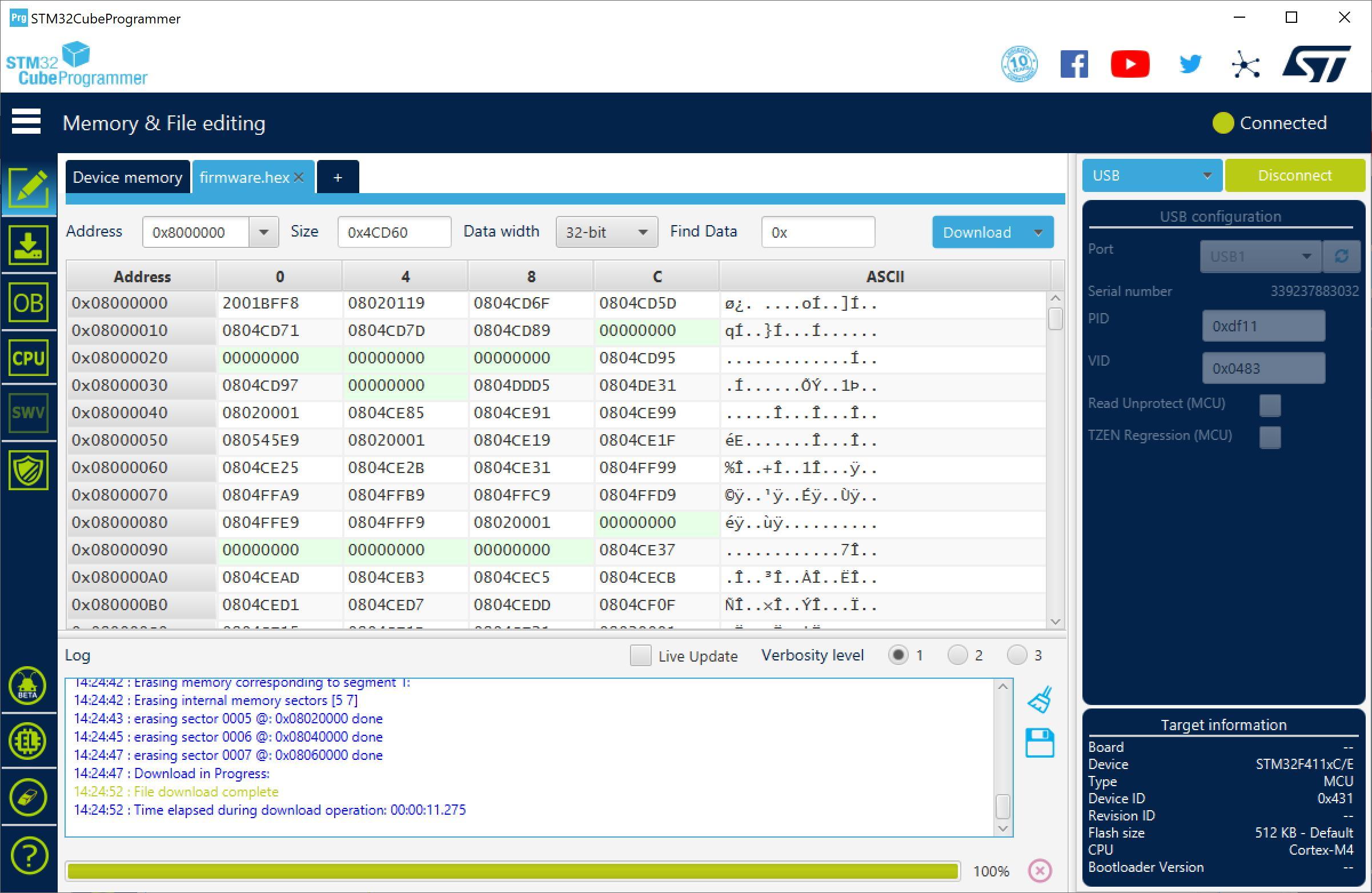
On Windows, STM32CubeProg is your friend:
- Connect USB.
- Hold BOOT0 + NRST, then release NRST. Welcome to DFU mode.
- Select the
firmware.hexyou built. - Click flash and enjoy the magic.
Your MCU is now bilingual: binary + Python.
Debugging (for those who love pain)
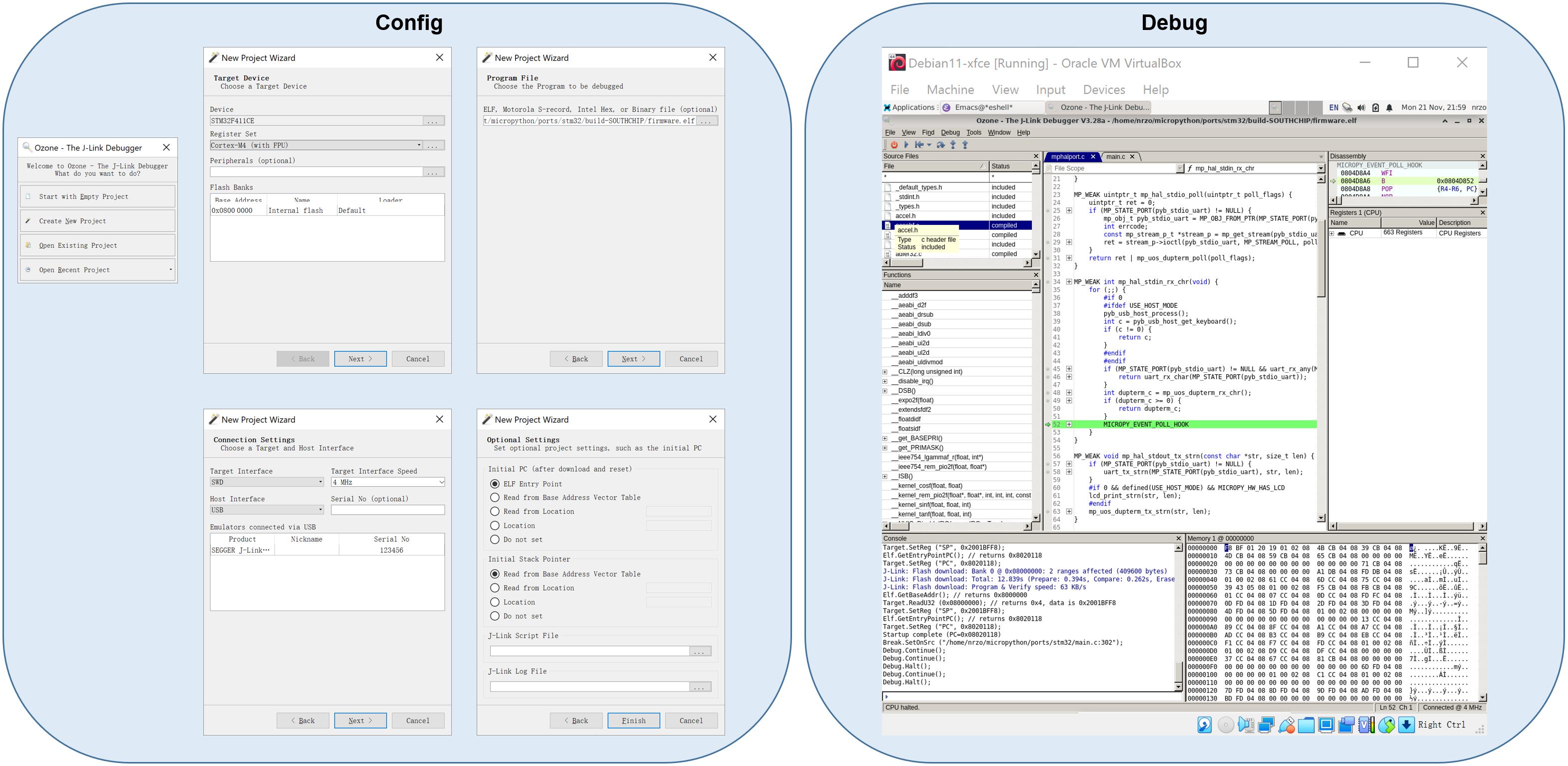
Hook up JLink + Ozone on Linux. Install, configure, then marvel at memory dumps. Half the time you’ll question your life choices, which is simply part of the debugging ritual.
First Steps with MicroPython
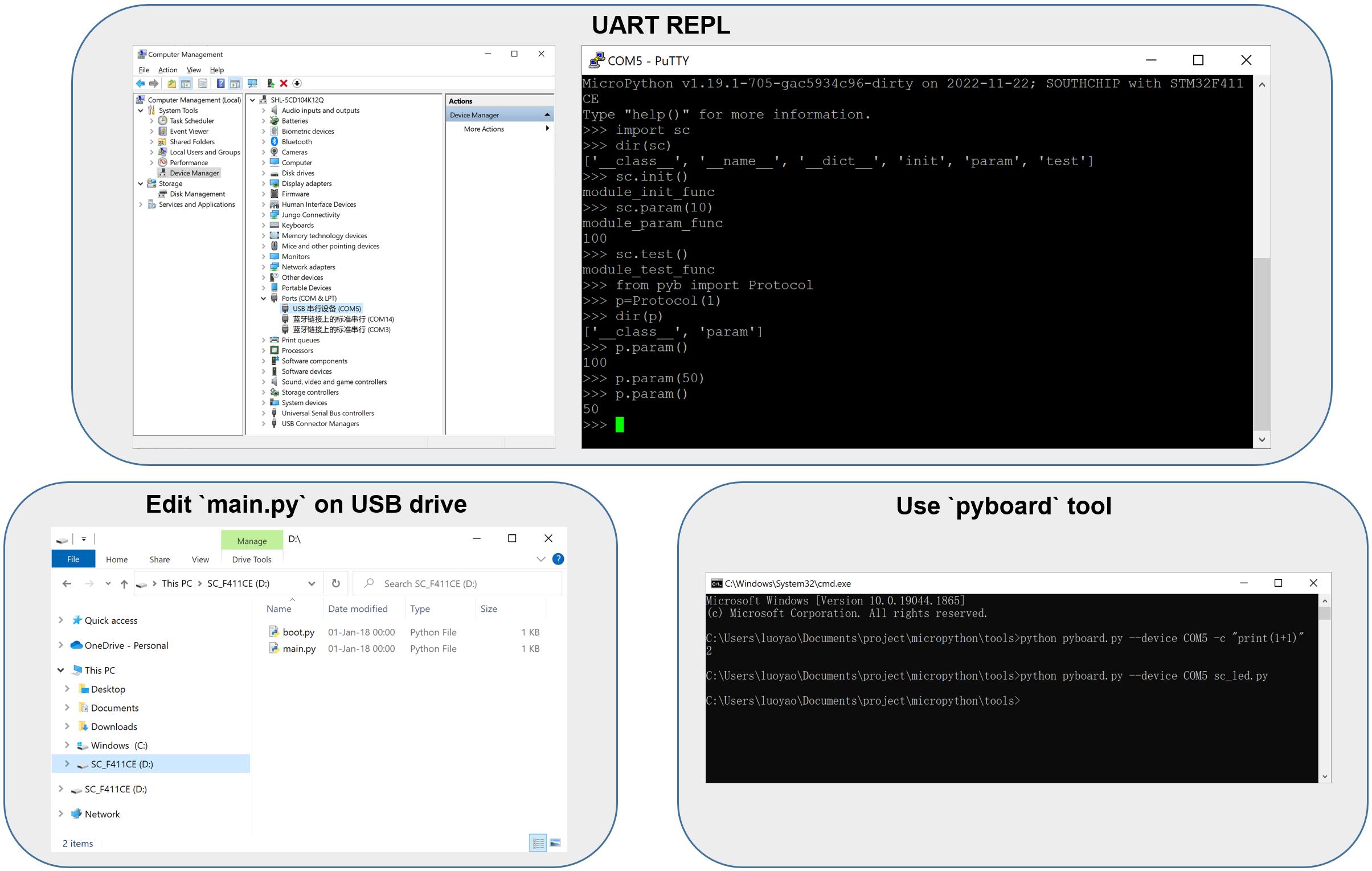
Once flashed, you’ve got multiple ways to play:
- UART REPL — Type Python live and see instant results.
- Edit
main.pyon USB drive — Runs automatically on boot. - Use
pyboardtool — Slightly fancier control.
Pick your flavor. Either way, your STM32 now speaks fluent Python.
Useful Resources
Closing Thoughts
MicroPython makes embedded work feel playful again. Fewer bit masks, fewer linker incantations, more immediate feedback. Flash the board, open the REPL, and have fun.
So the next time someone insists, “That chip can’t run Python,” blink an LED in reply and let the board do the talking.